
A
Pre-arrival alert
Notification and vibration as you get close.
iPhone · Core features free · In-app purchases
A notification and vibration before your stop.
On MRT, LRT, bus, or long rides,
notice it from the Lock Screen.
iOS 17 or later
No account needed
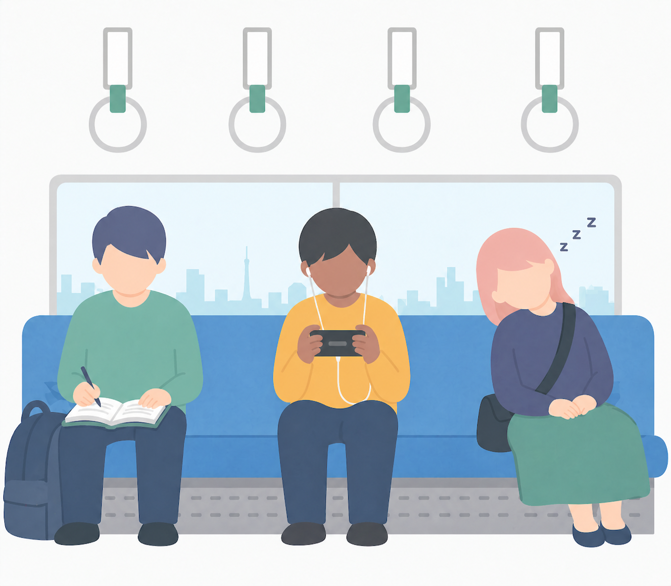
PROBLEM
Pick a destination, start the alert, and relax. No account required.
Search, history, or saved places.
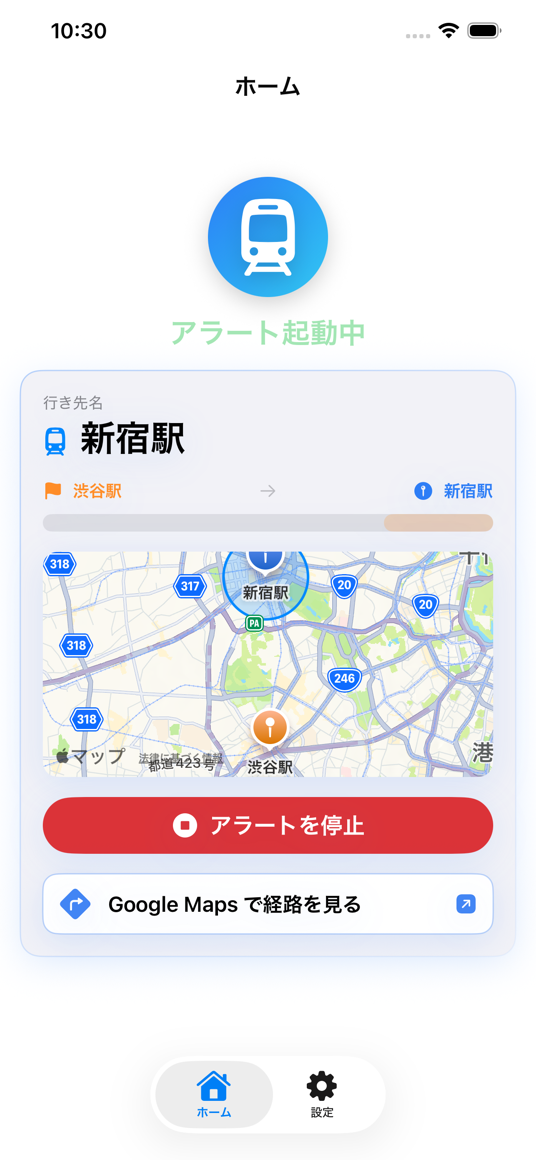
Check the active alert on the Lock Screen.
A notification and vibration when you get close.
HOW IT WORKS
Fast to start, clear when it matters.
Search, history, or a Google Maps share.
Location is used only while the alert is active.
At arrival, it vibrates 15 times about every 7 seconds.
FEATURES
Built for the moments you use it: the app, Lock Screen, widgets, and Siri.
Notification and vibration as you get close.
Check the active alert on the Lock Screen.
Start from a shared place or route link.
Resume the last destination or stop the alert.
Put recent destinations and resume actions on your Home Screen.
Includes Apple Watch app and complications. Use it together with iPhone.
Arrival alerts stay free. Pro Pack (one-time JPY 300) removes ads, unlocks all themes and icons, and unlocks MAX-fast (5-second interval, 60 alerts).
One-time purchase. Not a subscription.
Hide ads shown after starting or stopping alerts.
Use every theme colour.
Choose any app icon.
Use a 5-second interval with up to 60 alerts and haptics.
FAQ
Core features are free. Pro Pack (one-time JPY 300) removes ads, unlocks all themes and icons, and unlocks MAX-fast (5-second interval, 60 alerts).
The free version may show ads. Pro Pack removes them.
Location is processed on device for arrival detection and is not sent to the developer server. See the Privacy Policy for advertising-related data.
Yes. Live Activity and notifications work while the alert is active. At arrival, it vibrates 15 times about every 7 seconds and can be stopped from the Lock Screen.
Yes. Apple Watch app and complications are supported, and you can use them with iPhone.
Yes. It works on MRT, LRT, buses, coaches, and other trips where location is available.
No. Install and start using it.
NOTE
Travel time should be yours: to rest, read, or just drift. NextStop Cue is a small safety net for that.
D.Hiroid.hiroi.support@gmail.com
iOS 17 or later · Core features free